Built for municipalities, the Citywide Customer Portal lets applicants submit permit applications online and sends them directly into Citywide Permitting for review, routing, and approval.
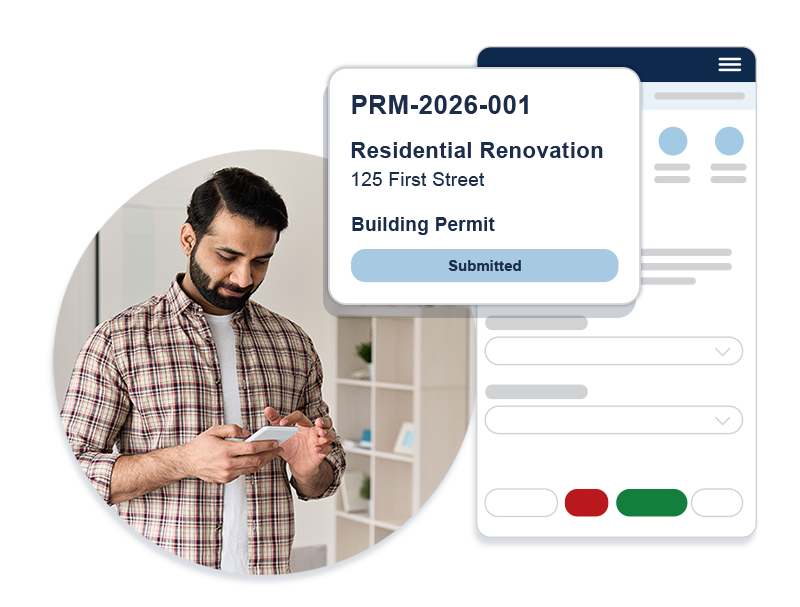
The Citywide Customer Portal is a self-service online platform that helps residents, contractors, and municipal staff submit, track, and manage permit applications online — with required documents, application details, and workflow routing built in.
Accept permit applications online from residents, contractors, and staff
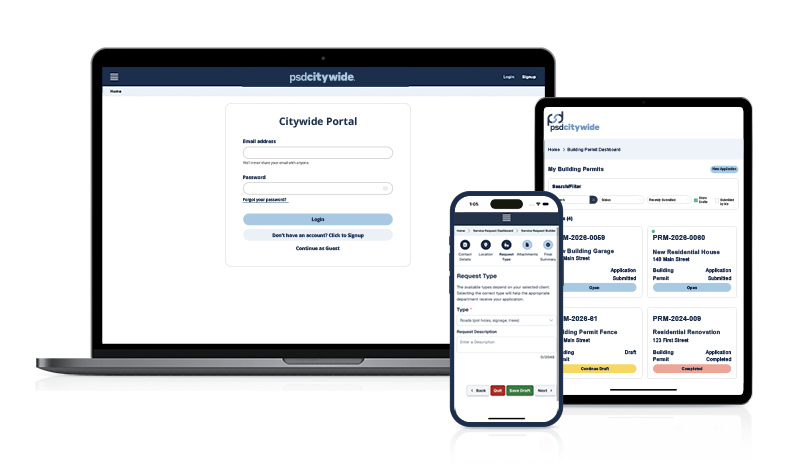
The Citywide Customer Portal works with Citywide Permitting to create a connected, self-service experience for permit intake and review.
Applications flow directly into Citywide Permitting, helping municipalities reduce manual handoffs and move submissions into review more quickly.
Built-in document collection and clear application steps help applicants submit the information staff need up front, reducing follow-up and resubmission.
Applicants can track progress and stay informed throughout the permit process, which helps reduce calls and improves transparency.
Automated routing, online intake, and centralized tracking help staff spend less time managing forms and more time on review and approvals.
See how a basic contact form compares to a municipal permit application portal like the Citywide Customer Portal.
Basic Contact Form
Citywide Customer Portal
A municipal permit application portal is an online system that lets residents, contractors, and staff submit permit applications, track progress, and follow them through review and approval. It helps municipalities route applications to the right reviewers and keep applicants informed at every step, making the process faster and more transparent.
By auto-routing applications to the right review team and eliminating manual email forwarding between departments, the portal reduces delays and improves response times. Map-based submissions and clear application steps also help staff prioritize and close applications more efficiently.
The portal supports multiple permit types across departments—for example, building, renovation, and other municipal permits—depending on how your municipality configures it.
Yes. The permit application portal supports both guest submissions and registered users.
Yes. The Citywide Customer Portal is an add-on feature of Citywide Permitting, so applications are synchronized directly with the system.
Yes. Users can view status updates and follow application progress through each stage of the review and approval process.
The Citywide Customer Portal brings the entire application process online — simple, transparent, and built for the way your community actually works.